
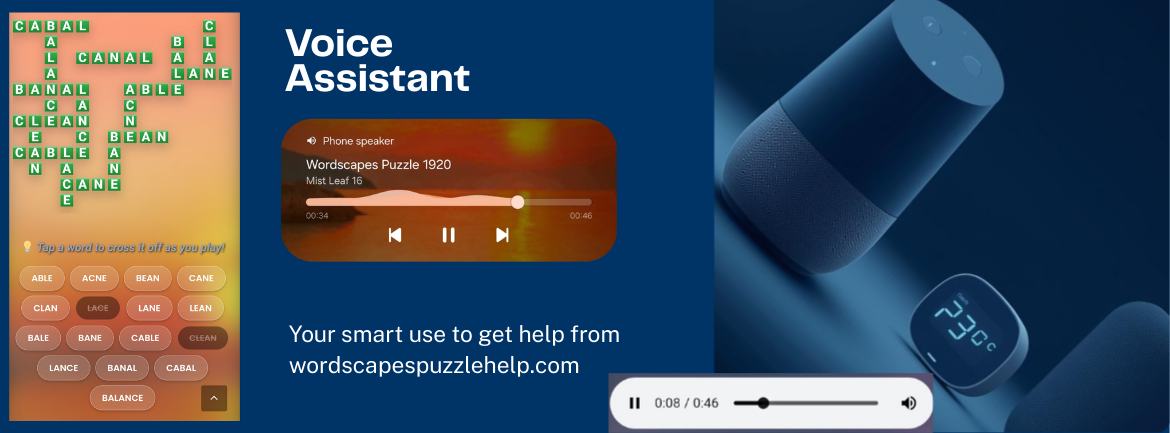
Tired of switching between the game app and your browser to check the answers? Ya, us too. That’s why we made it super easy to just use your voice. You can keep your hands on the game and let your phone read the solutions to you.
How to use it (its super easy)

Hey Siri…
If you’re on an iPhone, just wake up Siri and say something like:
“Hey Siri, search for Wordscapes level 218 answers on Solving Wordscapes Dot Com.”
Siri will pop up our Wordscapes Level 218 page right away. No need to type it manuelly!

Ok Google…
When on an Android Device or a Google Home? Just say:
“Ok Google, show me todays Wordscapes daily puzzle on Solving Wordscapes Dot Com.”
It takes you straight to our daily page (April 5). You can also tap the audio button to hear the words read out loud.

Alexa…
Got an Echo device nearby? Ask her:
“Alexa, search the web for Wordscapes level 3 on Solving Wordscapes Dot Com.”
Alexa will grab the top result from our site and can even read the featured snippet to you while you swipe the letter of level 3.
Pro Tip for our Audio Feature
Did you notice the little audio player on every puzzle page? Once you open a level on your phone, just hit play on the audio bar! A real voice will spell out the answers for you. You don’t even have to look at the screen anymore. It makes playing the daily puzzles so much more relaxing!